



Microsoft Teams
, SharePoint Online
Virto Calendar App Overview in the New Video
Learn about the features and benefits of the Virto Calendar App in a new overview video. This SharePoint web part can help you better manage your schedule.
Dive into step-by-step tutorials and 'how-to' guides crafted by VirtoSoftware's seasoned team, with over 15 years of expertise. Gain access to comprehensive, free reviews for SharePoint Online, empowering you to elevate productivity and become a master of these vital platforms.
146 posts
Learn about the features and benefits of the Virto Calendar App in a new overview video. This SharePoint web part can help you better manage your schedule.

Now you can add location to the calendar event, view mini calendar on SPFX, and more. Upgrade your SharePoint calendar and improve your collaboration today!
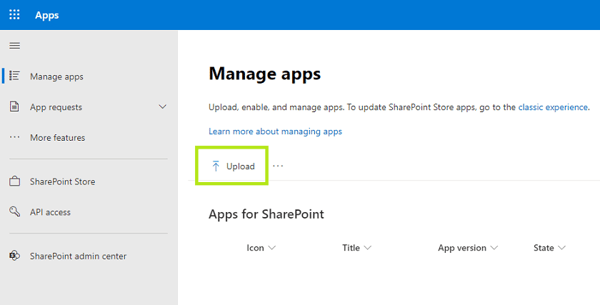
If you need to install Virto SPFx custom app, please follow this simple instruction we have prepared for you.
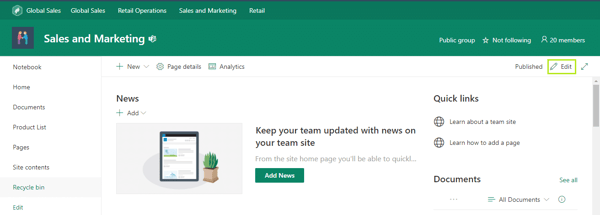
This article provides step-by-step instructions on how to customize and edit a chart in SharePoint using two options: Quick Chart and File Viewer.

VirtoSoftware introduces the updated Virto Kanban Board App with new useful options. Take a look at what we have changed and how you can apply it.
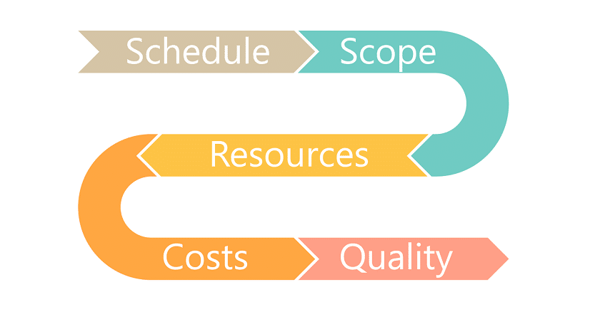
This article showcases the update of the Virto Portfolio and Project Manager, which includes project constraint options, currency and date format settings.
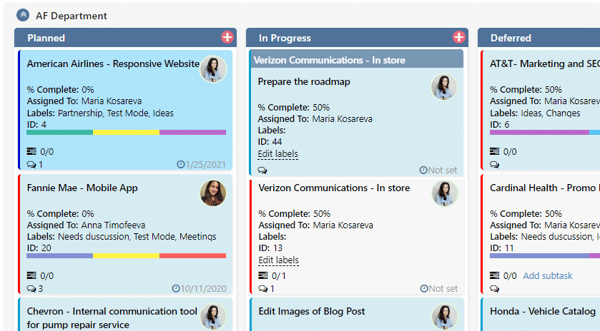
Kanban Board Pro by Virto now supports subtasks for splitting and working on tasks step by step. Read articles and learn about new features!
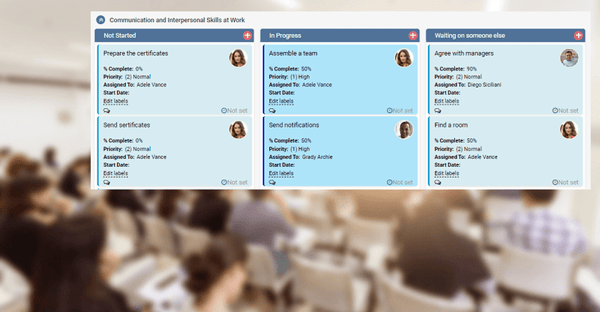
Virto Kanban Board has multiple scenarios to implement. This case study describes how you can apply it for managing corporate training.
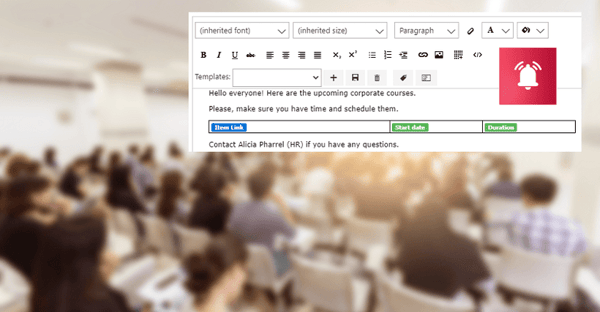
Discover how to use Virto Alerts Online App to organize reminders for upcoming training courses and send them directly to a Microsoft Teams channel.

Watch our new video and see key features of Virto Alerts Online for Office 365 and MS Teams. Build a flexible notification system for SharePoint!

We have updated Virto SharePoint Resource Manager Online for Office 365. Look what we have changed and start using the improved app right now!

Discover the latest update to the Virto Kanban Board app for Office 365 and MS Teams, including improved commenting functionality.
